


SpreadJS Business Features That Complete Your Enterprise Value
I've Already Built Excel Features with SpreadJS. Why Do I Need More?
Business features are extensible solutions that resolve data bottlenecks in enterprise environments. Go beyond SpreadJS's core capabilities and take your business competitiveness to the next level.

Limitations of Business Logic Development
Are you still building Gantt charts or complex Excel editors from scratch? Replace months of development time and significant labor costs with just a few lines of code, and accelerate your product launch.

Isolated Data Environments with No Real-Time Communication
Users already expect a real-time experience on par with Google Sheets. Without Collaboration and AI Assistant, your service competitiveness takes a hit. Take your service to the next level with a smart collaboration environment.

Business Insights Hidden in Massive Data
Are you still spending hours turning tens of thousands of rows into reports? Visualize key information using ReportSheet, Pivot Table, and DataChart to enable faster, smarter decision-making.
Minimize development resources and focus on business outcomes. SpreadJS business features raise the bar for enterprise scalability.
Next Step: Explore Business Features

JavaScript Web Excel Editor
Powerful and Complete JS-Based Web Excel Performance
SpreadJS: Designer Components
Deliver the same UI/UX as the most familiar tool your users already know: Excel.
Easily implement Excel features and layouts in a web environment with just a few lines of code using SpreadJS Designer.
See the Pen SpreadJS 디자이너 컴포넌트 V15.0.6_홈페이지 게시 전용 by GrapeCity Korea ( @GrapeCity-Korea) on CodePen.
Seamless Real-Time Collaboration Experience
Collaboration Without Waiting: A Real-Time Excel System Built with SpreadJS
Real-Time Collaboration
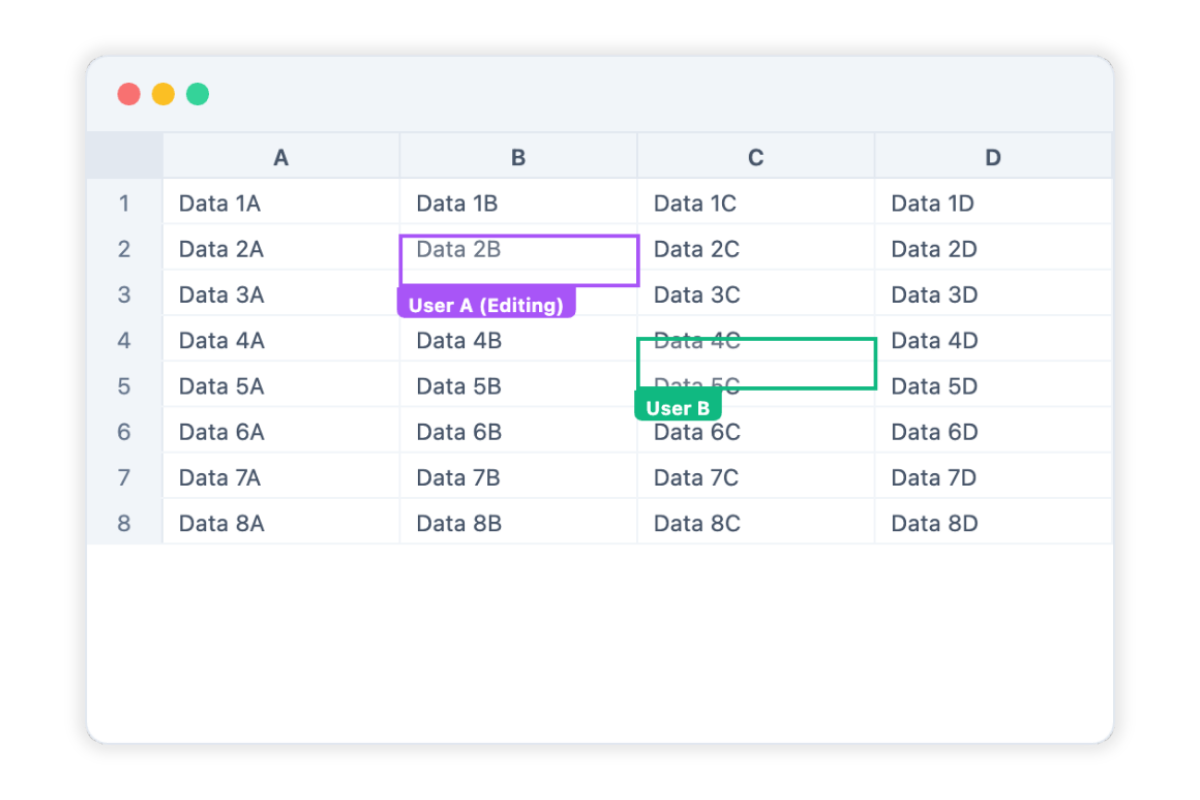
Multiple team members can now edit and manage data simultaneously with the same Excel-like experience, directly in a web environment.
With SpreadJS's powerful engine, changes are shared in real time without a separate save button, and per-user cursor display enhances collaboration visibility. Maximize team efficiency with a stable synchronization environment, free from data conflicts and complex server setup.
* SpreadJS v19 or higher
Intelligent AI Assistant
Formulas on Autopilot, Insights on Demand. Just Talk to AI
AI Assistant
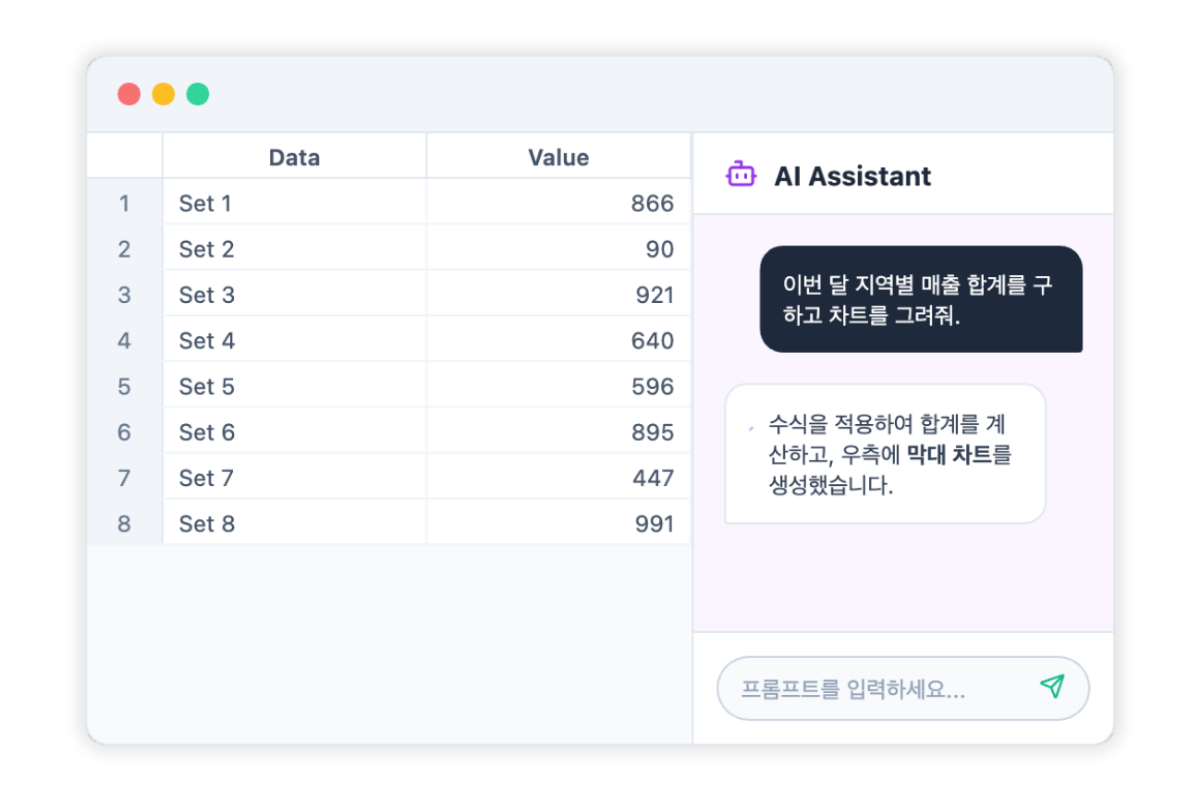
The SpreadJS AI Assistant understands your natural language and automatically generates complex Excel formulas through conversation. It also accelerates analysis by quickly extracting key insights from massive datasets. Reduce tedious data work and experience a smarter workflow.
* SpreadJS v19 or higher
Smart Data Insights
Quickly Visualize Complex Raw Data and Transform It into Valuable Business Reports
Pivot Table
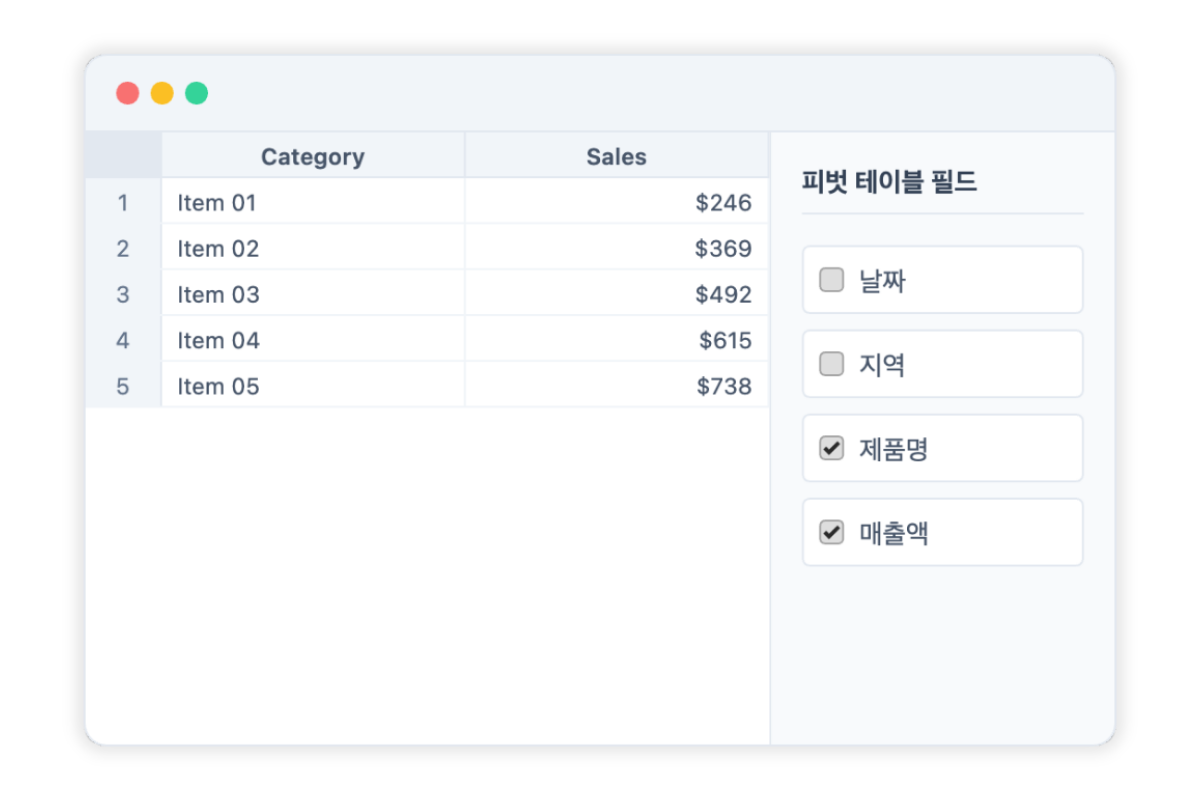
The SpreadJS Pivot Table provides an environment for quickly and accurately summarizing and analyzing large volumes of data from any user-defined perspective.
With an intuitive, Excel-like interface, you can grasp data trends at a glance and easily build professional analysis reports using a variety of report layouts. Reduce manual work and focus on the key insights your data provides, enabling faster and more accurate decisions.
* SpreadJS v14.1 or higher
Smart Project Management
Manage Complex Project Schedules at a Glance with JavaScript GanttSheet
GanttSheet
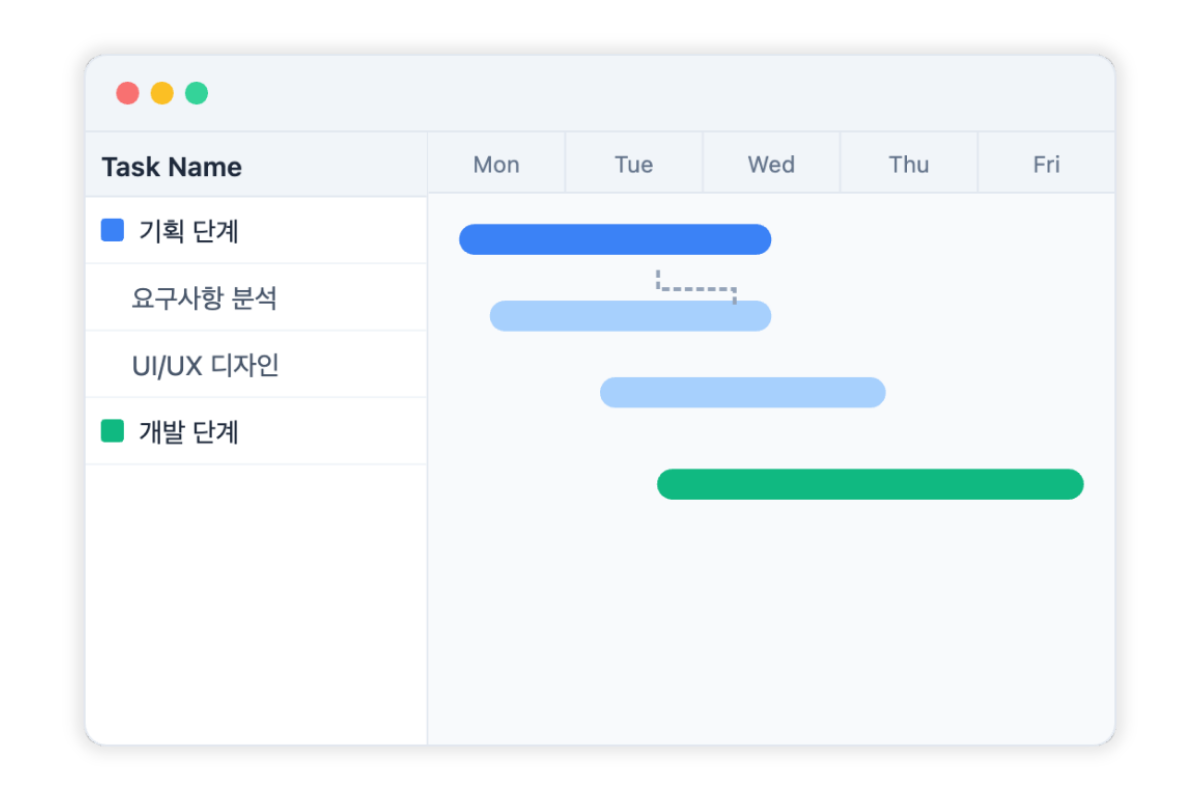
The SpreadJS GanttSheet visualizes extensive task schedules and resource status in an intuitive timeline format.
Establish task dependencies and track progress in real time, all within a familiar Excel-like experience, for effective end-to-end project management. Reduce manual work, build a smart scheduling environment, and make accurate, data-driven decisions.
* SpreadJS v17 or higher
Smart Report Automatione
Design Recurring Reports Once, and Let Data Binding Handle the Rest
ReportSheet
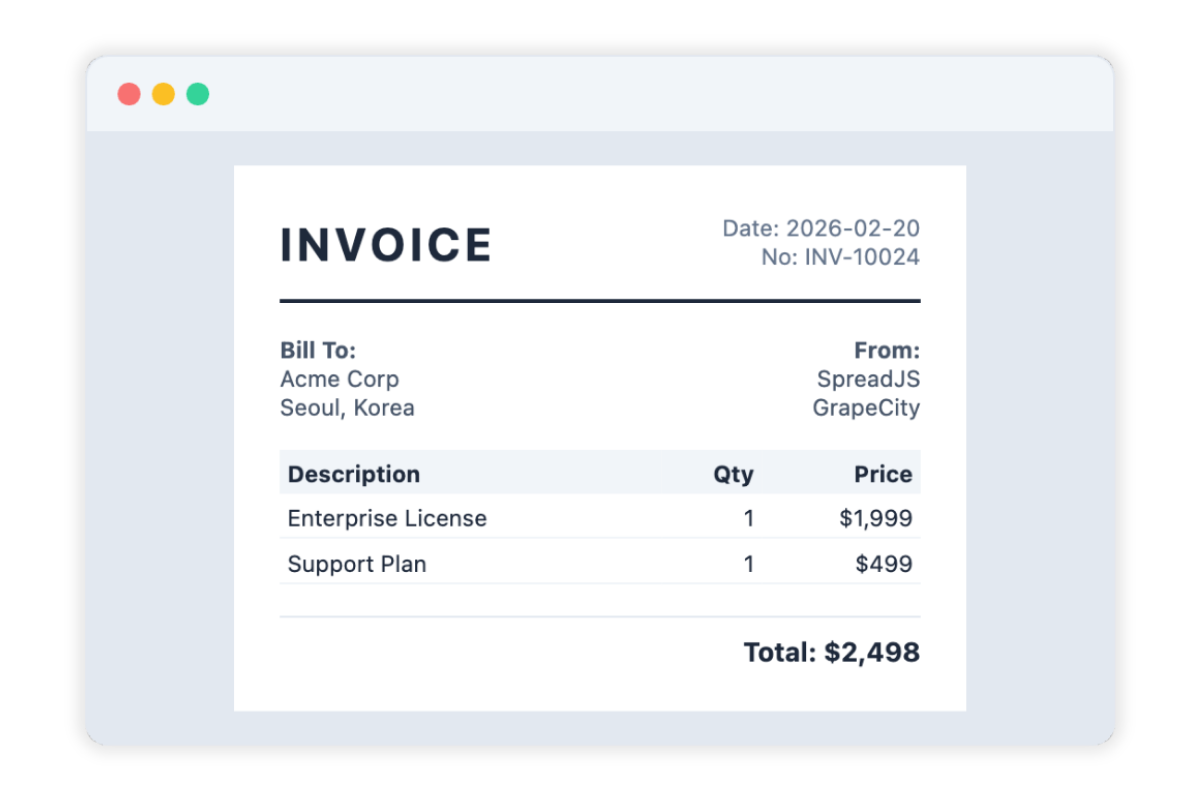
The SpreadJS ReportSheet is a powerful control that lets you easily generate Excel reports for your end users from a variety of data sources.
Freely design recurring report formats such as sales performance, financial summaries, and inventory surveys, then connect to real-time data to automate report generation. Reduce manual entry errors and produce polished reports instantly, dramatically improving productivity.
* SpreadJS v17 or higher
Powerful Chart Visualization
Bring Excel's Visualization Experience to the Web with Intuitive Charts
DataChart
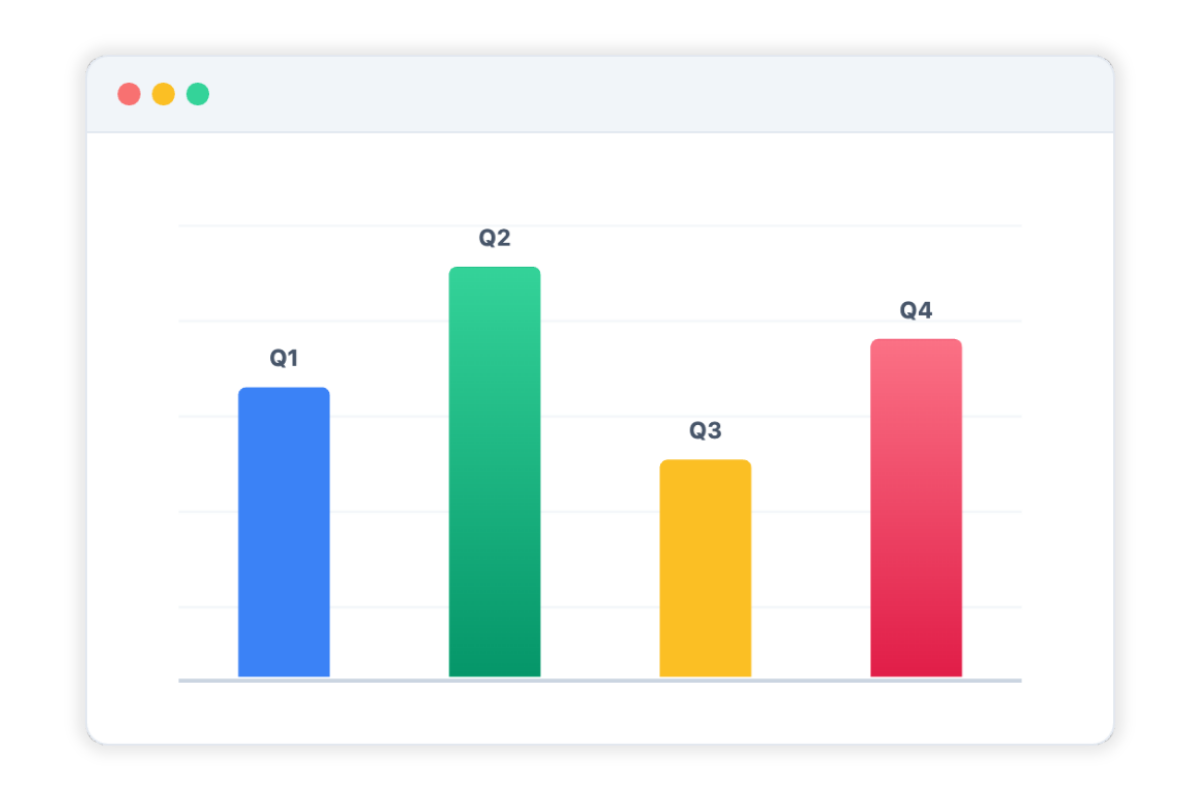
SpreadJS DataChart fully supports all Excel chart types, transforming complex figures into intuitive and visually compelling reports.
Freely configure everything from basic charts to advanced analytical charts like treemaps and sunbursts. Fine-tune colors, axes, legends, and more through the design panel. Leverage powerful visualization features in a web environment to effectively communicate the value of your data and surface meaningful insights.
Experience SpreadJS, the No. 1 Web Excel Library, Today.
Try the Excel-like interface and MS Excel-compatible features firsthand through a free trial and see everything SpreadJS has to offer.



Diverse Enterprise Business Features Powered by SpreadJS
Explore the Business Excel Add-Ons for SpreadJS
SpreadJS provides Excel-based features tailored to diverse enterprise business needs, enabling fast and efficient development of even the most complex business systems.

Excel Editor
Deliver a complete web Excel editor built on HTML5 and JavaScript to your end users.
-
Full Excel Compatibility A web editor that is fully compatible with existing Excel files.
-
Familiar UI/UX Excel menus and interface your users already know
-
Powerful Customization JS Excel library and API support for editor customization

Real-Time Collaboration
Build an environment where multiple users can collaborate on a single sheet simultaneously.
-
Server Framework Build a stable Collaboration server based on Node.js
-
Real-Time Collaboration Multi-user simultaneous input with live user action and cursor display
-
Conflict Prevention Precise conflict control and permission management powered by OT engine

AI Assistant
Maximize productivity with natural language formula generation and data analysis.
-
Multi-AI Model Support Connect with OpenAI, Gemini, Claude, and custom in-house AI
-
Natural Language Command Generate and explain Excel formulas and auto-build pivot tables
-
Excel AI Functions Dedicated AI function library for data analysis

Pivot Table
Quickly summarize large volumes of Excel data and extract insights.
-
Excel-Like Experience Bring the same pivot UI and usability as Excel to the web
-
JS Control Set Custom controls for pivot UI customization
-
View Manager Save and load per-user pivot analysis views

Gantt Sheet
Integrate project scheduling and resource management into your Excel sheet.
-
Project Management Full support for timescales, task bars, calendars, and more
-
Data Binding Easy data binding via DataManager
-
Flexible Compatibility Import/export support based on Excel and JSON

Report Sheet
Transform complex business data into dynamic Excel reports.
-
Dynamic Reporting JSON-based data binding and automatic report generation
-
Professional Styling Consistent report layouts with precise formatting
-
Advanced Analytics Cross-sheet references and data aggregation support

Data Chart
Visualize Excel data and create intuitive dashboards.
-
Dashboard Designer A dedicated designer for building Excel dashboards without coding
-
Diverse Charts Support for various Excel chart types with real-time data updates
-
Easy Binding Fast and simple JSON data connection via DataManager

Ask Anything!
Share your questions and concerns about SpreadJS with the MESCIUS expert team. We are here to listen and help.
Start Using SpreadJS for Free Today
Boost your development productivity with SpreadJS's JavaScript Excel API library and scale to a powerful enterprise with business-focused features.