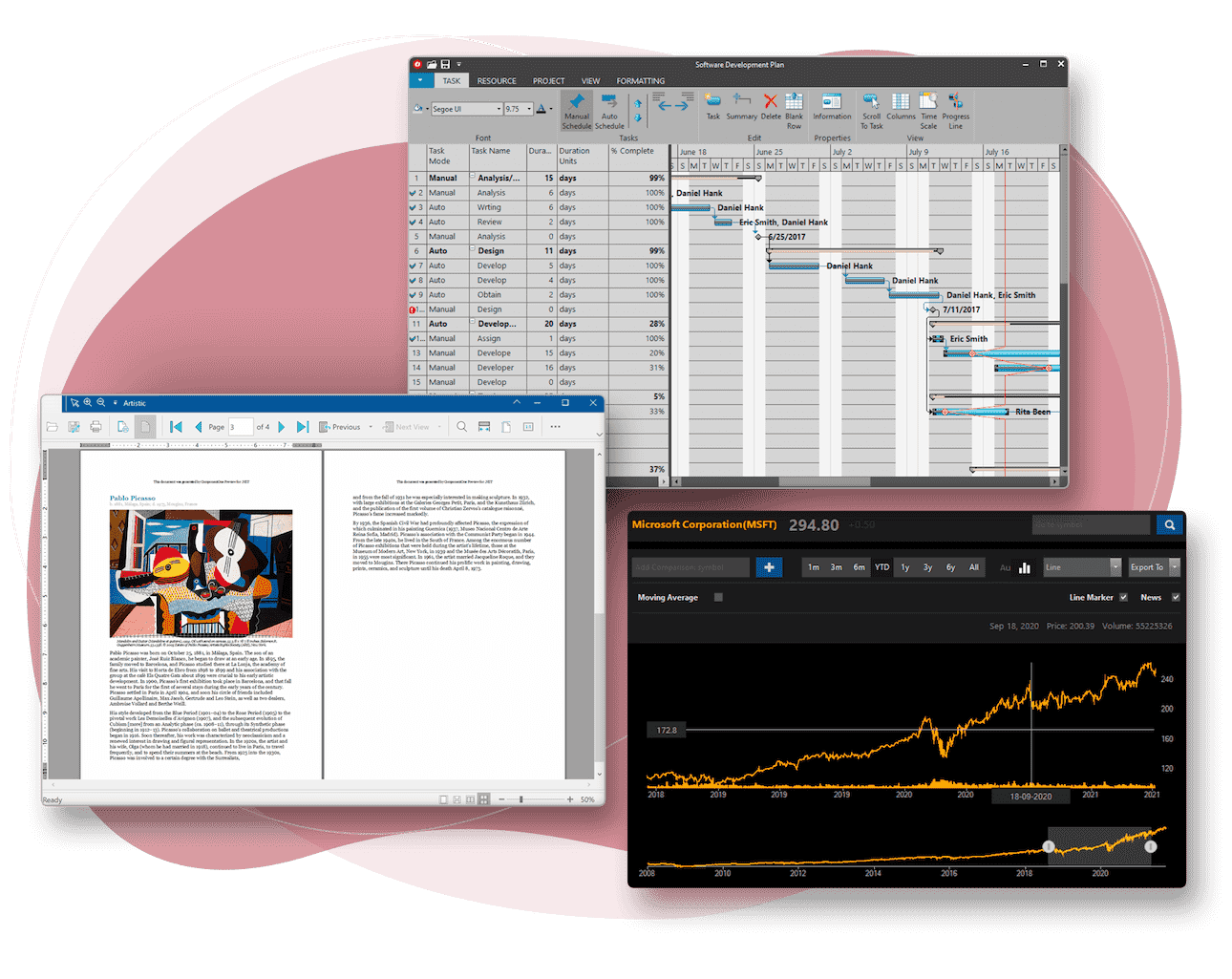
Why use ComponentOne for WinForms?
WinForms UI controls are interactive design elements used to make desktop applications user-friendly.
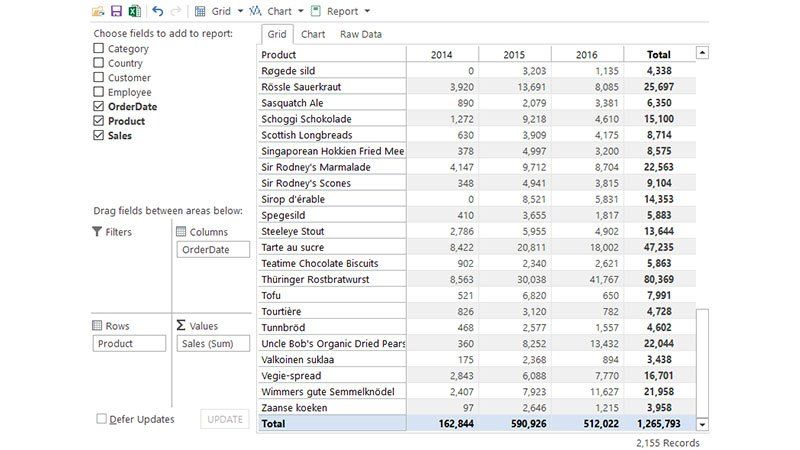
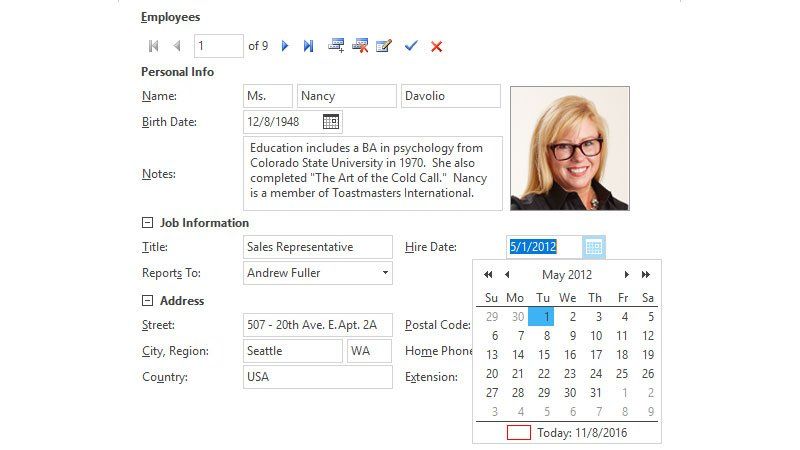
ComponentOne provides a complete set of dynamic and flexible WinForms controls, including grids, charts, inputs, and more.



Ask anything!
Share your concerns and questions about ComponentOne with MESCIUS's expert team. We empathize with your concerns and are here to help.
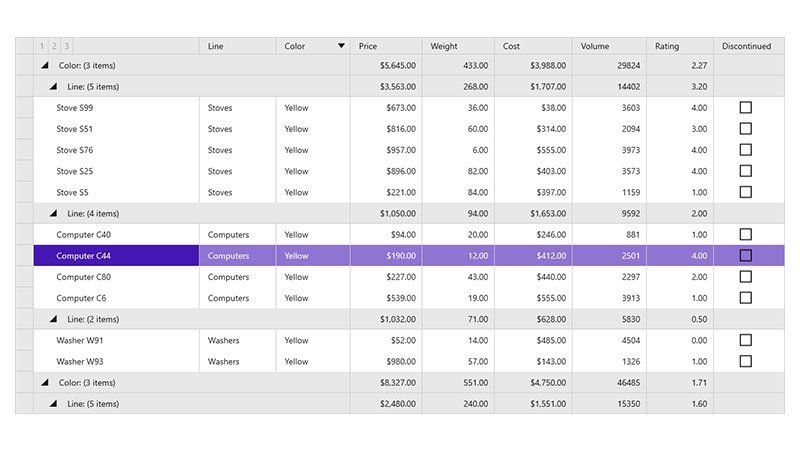

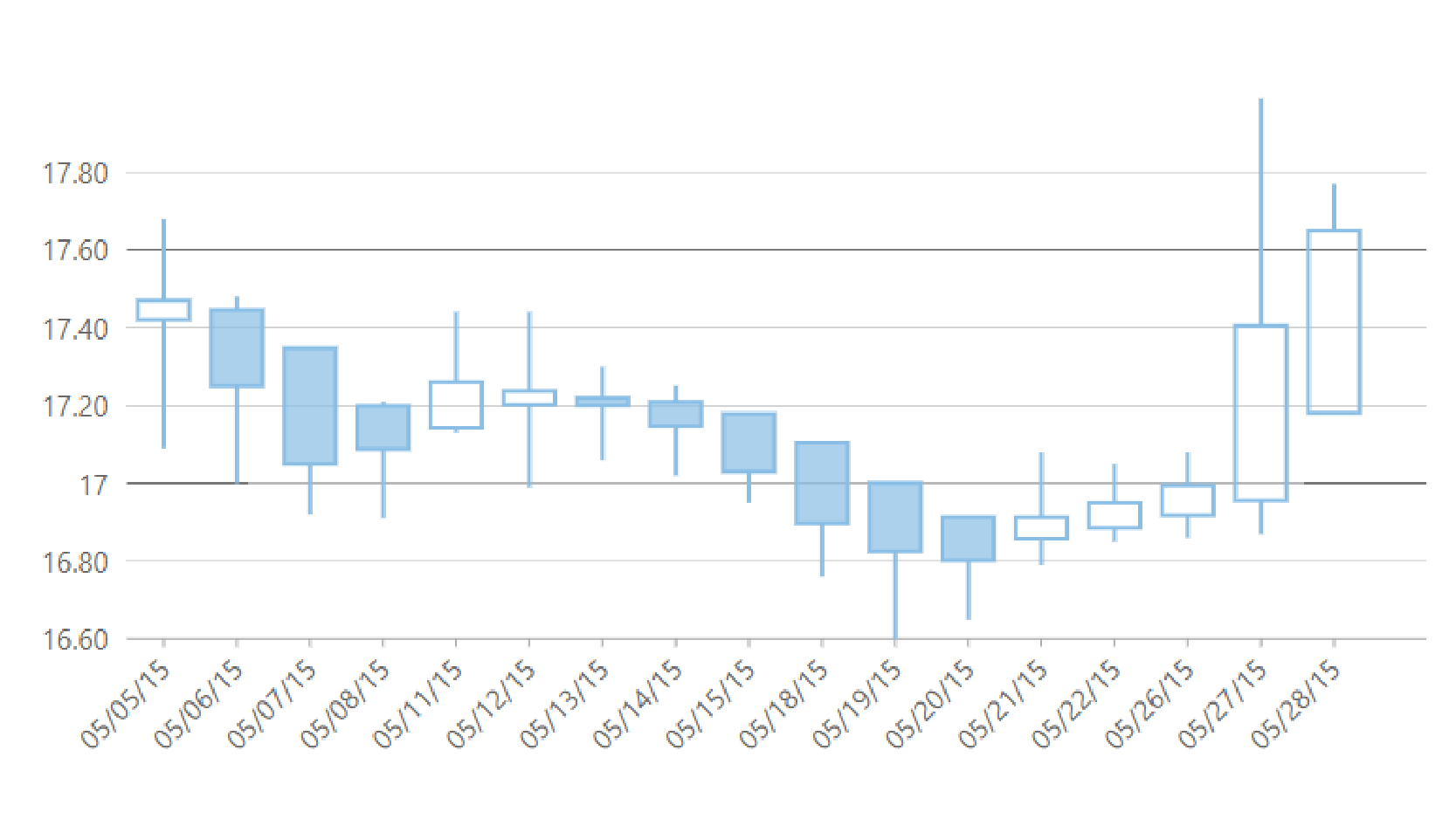
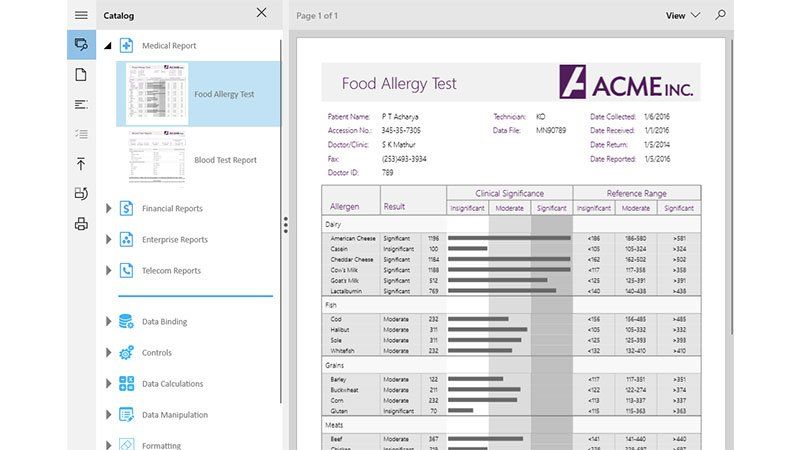
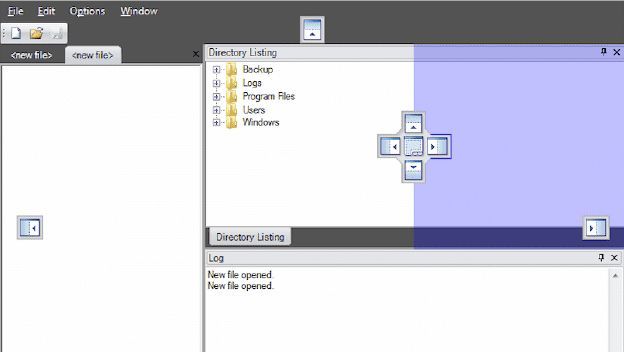
WinForms Demo
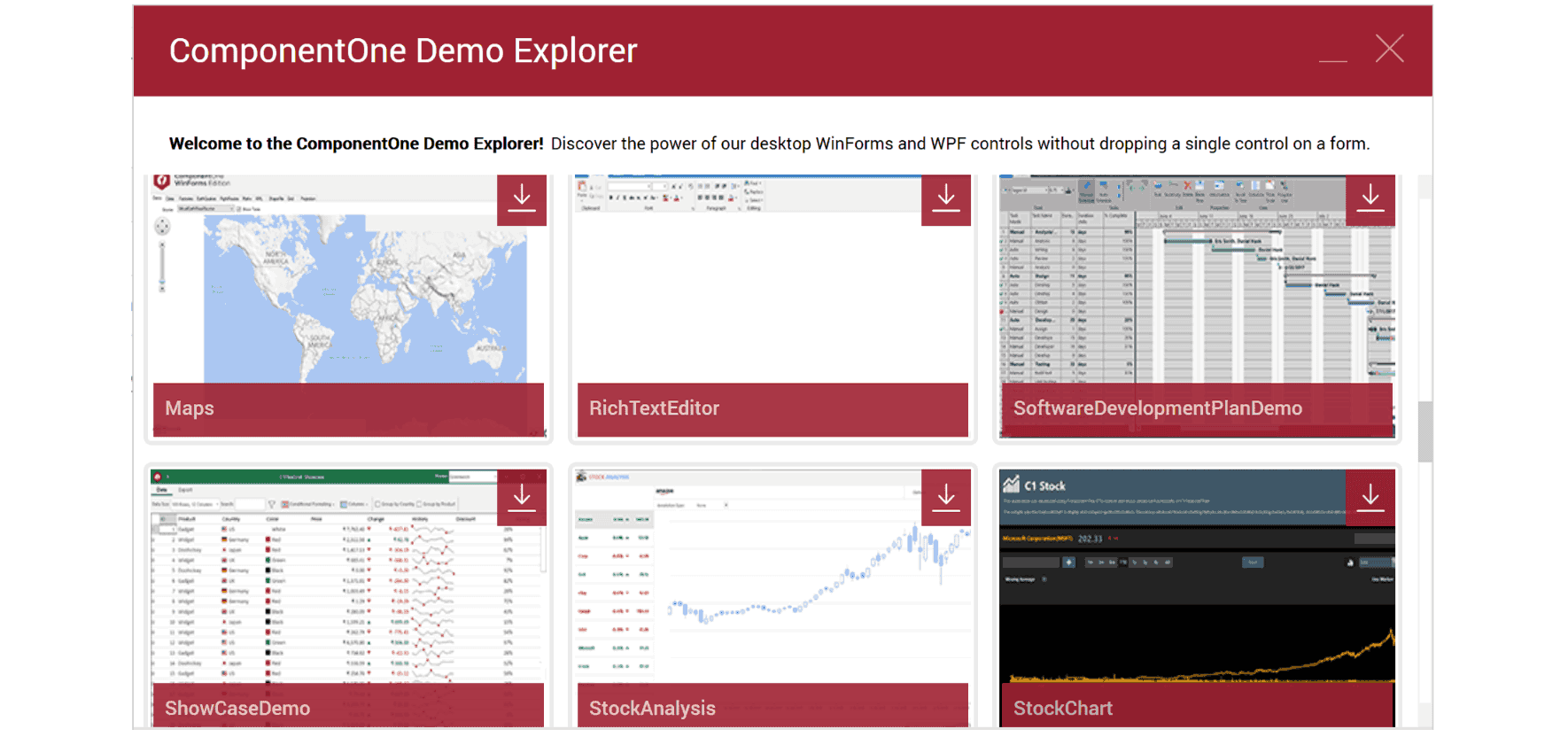
All WinForms demos and samples are integrated into a single desktop application for easier viewing.
Check out all the features of ComponentOne!
Ask anything!
Share your concerns and questions about ComponentOne with MESCIUS's expert team. We empathize with your concerns and are here to help.
Try it with Data Services Edition!
Use WinForms and Data Services Edition together to visualize data, process and analyze large data sets, and manage your data more efficiently.
* To use both the WinForms Edition and Data Services Edition together, you must purchase ComponentOne Enterprise.
List of Services
-
How to Build Leads for Opportunity Salesforce Reports Using .NETList Item 1Learn how to create sales opportunity reports from various lead sources in Salesforce using the .NET FlexReport Designer.
-
Integrate Google Analytics data into your dashboardList Item 2Learn how to retrieve data from Google Analytics and create dashboards in .NET WinForms, reviewing basic features like authentication, caching, and queries.
-
Pivot transformation using C1 DataEngineList Item 3This article details how to apply various pivot transformations to your data using C1DataEngine.
ComponentOne 2026 v2
New features

ComponentOne Data Wizard (Beta)
- No-Code Data Binding at Design Time : Handle everything from data connection to model generation in Visual Studio without code
What’s New in WinForms
- Word (DOCX) and RTF Import and Export : Load and save DOCX and RTF files in the C1Editor .NET 10 version
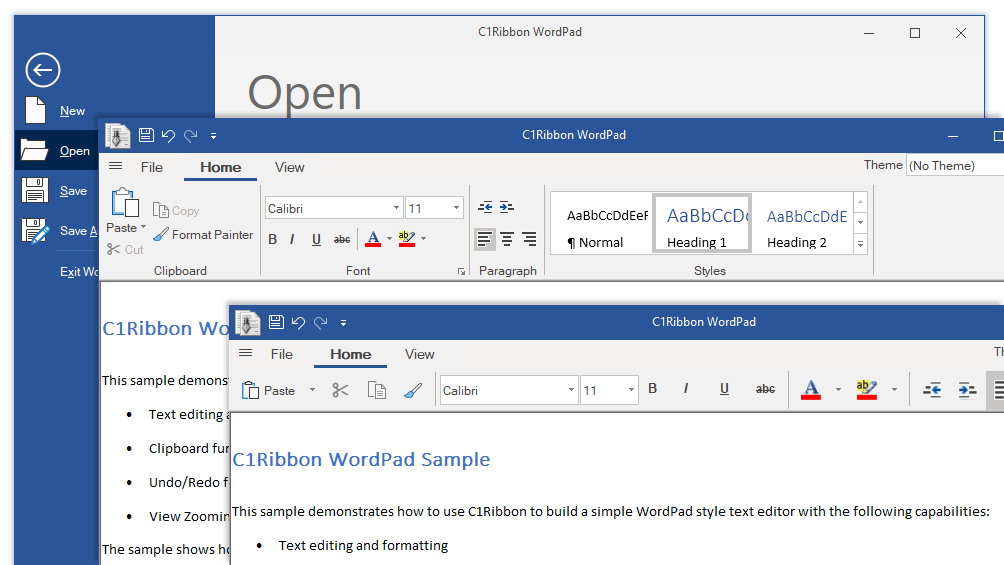
- New Ribbon and Editor Project Templates : Get started quickly with a ribbon UI and an Office-style backstage view
- New C1HamburgerMenu UI Component : Collapsible side navigation menu similar to Microsoft Outlook
What’s New in WPF
- Conditional Filter Menu for FlexGrid : Optionally add a conditional filter submenu to column headers
- Alternating Row Style Fix for Row Details : Choose the row alternation basis with the AlternatingStrategy property
Other New Features
- [WinUI] New Excel-Style Filtering API : Finer control over column header filtering in FlexGrid
- [Blazor] Build Org Charts and Flowcharts with FlexDiagram for Blazor: Create interactive web diagrams in C#
- [ASP.NET Core] Sticky Group Header Rows While Scrolling: Keep the current group header visible in FlexGrid for ASP.NET MVC
ComponentOne for WinForms Free Trial
ComponentOne for WinForms Pricing and Licensing


ComponentOne Enterprise
Expand your development reach across all .NET platforms with ComponentOne Enterprise.


Controls for .NET developers

Spread.NET
The World’s #1 Excel Spreadsheet Component
- Seamless Excel Import & Export
- 450+ Built-in Excel Functions
- Full Support for WinForms, ASP.NET, and WPF
Learn more
ActiveReports.NET
.NET-based Business Reporting Components
- No-Code Report Designer
- Comprehensive Report Viewe
- Supports WinForms, WPF, ASP.NET MVC, and .NET Core
Learn more
Forguncy
Build Business Web Apps with Excel — No Coding Needed
- Turn Excel features into fast, powerful web apps
- Start web development — no HTML or CSS required
- Unify and collect your business data with ease
Learn more
DsExcel
High-Performance Excel Spreadsheet API for Java, Kotlin, and .NET
- Easily create, load, edit, and save spreadsheets
- Parse, convert, and seamlessly share spreadsheets
- Powerful formula calculations and flexible cell formatting
DsExcel JavaDsExcel .NET